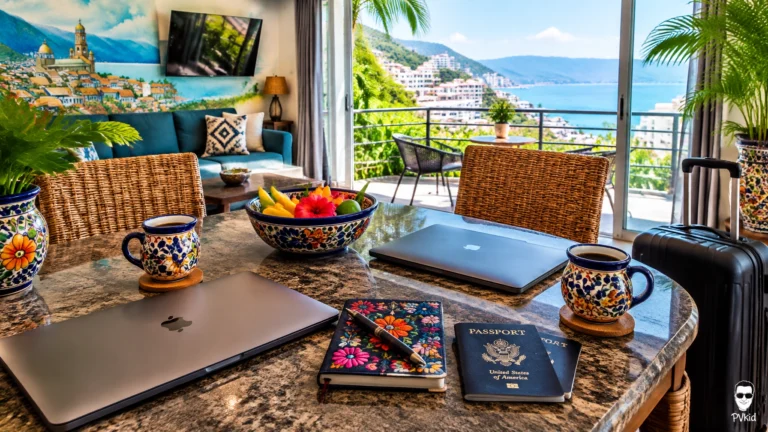
After years of working while traveling, I have learned that a beautiful view is not enough to make a workcation comfortable. Couples and digital nomads need a desk that supports real work, dependable Wi-Fi, good airflow, and enough space to stay out of each other’s way.
Amapas is my favorite place to rent in Puerto Vallarta for this kind of trip. It feels calmer than the busiest streets below, but it still keeps us close to restaurants, cafés, the beach, and the energy of Old Town, also known as Zona Romantica.
The trick is setting up the condo before the first workday begins.
Start with one proper work zone
The best workcation setup does not need to be complicated. It needs to be stable.
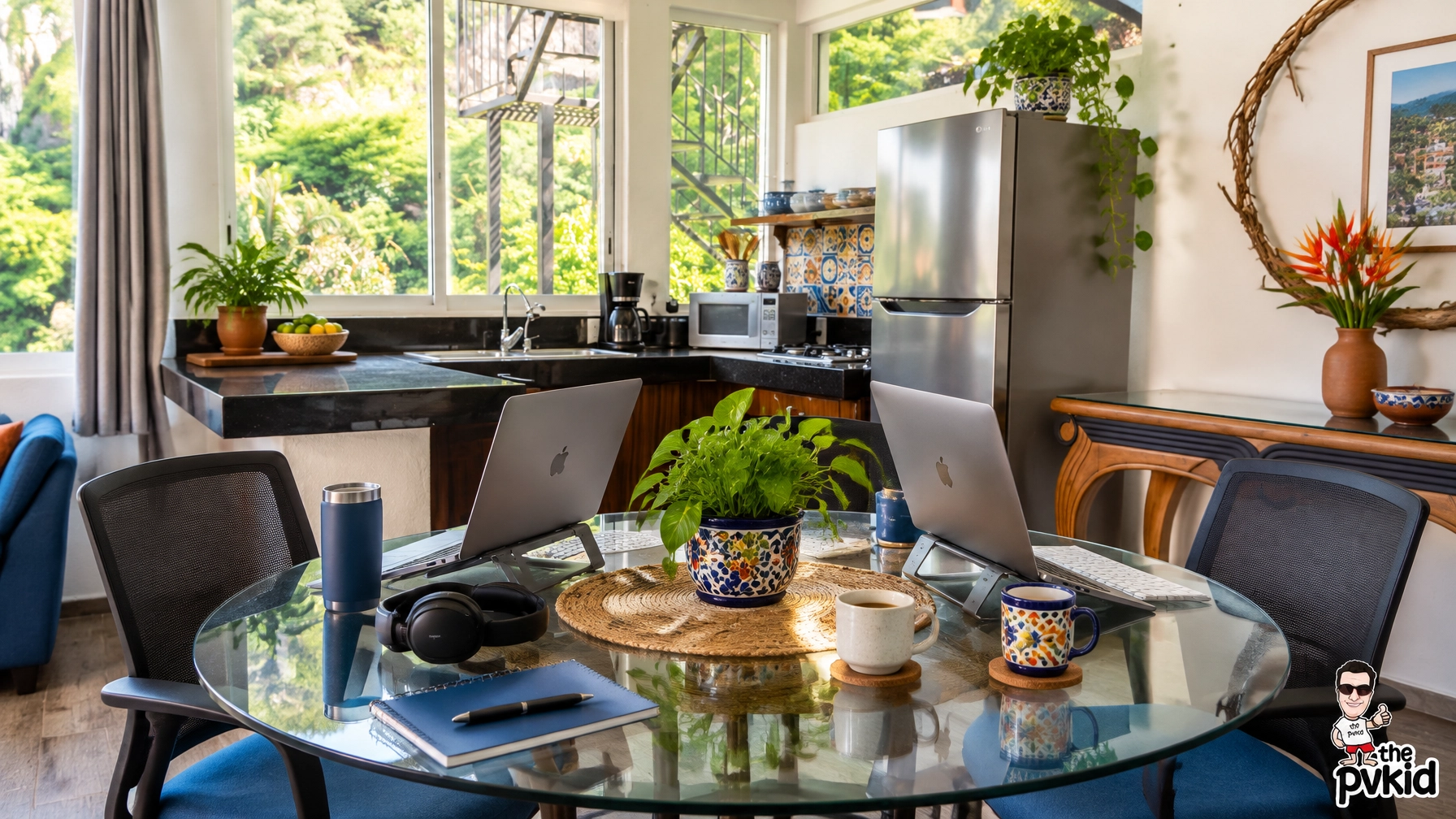
I like to choose one dining table or desk as the main workstation. It should be high enough for comfortable typing, wide enough for a laptop and notebook, and close to an outlet. A real chair matters too. A decorative chair may look good in photos, but it can become uncomfortable after one long video call.
In a condo with a large dining table, my partner and I can usually work side by side for shorter periods. For a full workday, though, two separate zones are much better.
One person can use the main table while the other works from a second desk, breakfast counter, or quiet corner. This simple separation makes the whole day feel less crowded.
Raise the screen and protect your posture
Most rental desks are usable, but they are not always designed for eight hours of laptop work.
I bring a lightweight laptop stand whenever possible. If I do not have one, a few sturdy books can raise the screen closer to eye level. Then I use a separate keyboard and mouse so my shoulders stay relaxed.
This small change makes a huge difference.
My basic desk kit includes:
- A laptop stand
- Wireless keyboard and mouse
- Noise-canceling headphones
- Phone charger and extra cable
- Small power bank
- Notebook and pen
- Reusable water bottle
- Surge protector
I also keep the desk as clear as possible. In a colorful Puerto Vallarta condo, it is easy for artwork, dishes, coffee cups, and travel items to take over the table. A clean surface helps me focus and makes video calls look more professional.
Use the light, but control the glare
Natural light is one of the best parts of working from Amapas. Large windows can make a condo feel bright and open, and daytime light is useful for video calls.
But direct light on a laptop screen creates glare. I usually position the desk at a slight angle to the window rather than facing the glass directly. This keeps the view nearby without making it difficult to read.
For video calls, I want the window in front of me or slightly to one side. If the window is behind me, my face can look dark on camera.
The background matters too. A clean wall, a simple piece of local art, or a colorful condo interior creates a warm setting without distracting from the conversation.
Make the second workstation simple
The second setup does not need to be a complete office.
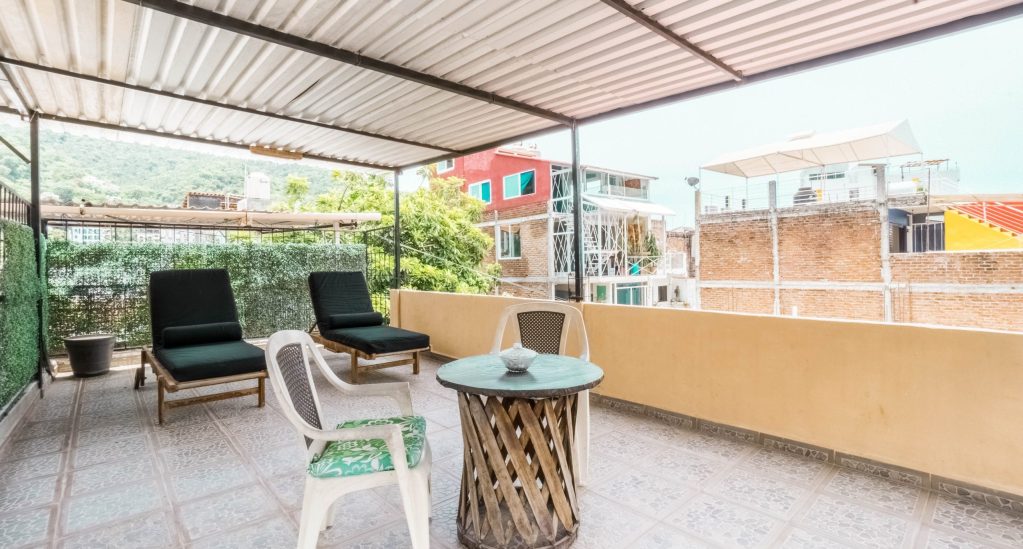
It can be a small desk near a window, a kitchen counter, or one end of the dining table. The important thing is having a second place where one person can work without moving the other person’s equipment.
I prefer a secondary setup with only the essentials:
- Laptop stand
- Keyboard
- Mouse
- Headphones
- Phone stand
- Water
- One nearby outlet
This works especially well when one partner has calls and the other needs to concentrate. The person on a call can use the main desk, while the other moves to the quieter corner for writing, editing, email, or research.

Test the Wi-Fi from the actual desk
Fast Wi-Fi listed in a property description is encouraging, but I still test it from the exact spot where I plan to work.
Before the first busy day, I check:
- Download speed
- Upload speed
- Video-call quality
- Signal strength in both work zones
- Connection near the bedroom and living area
Casa Vizcarra 1, for example, lists high-speed Wi-Fi, an Ethernet port, and air conditioning. It is a compact studio for two, so the layout is better for a solo worker or a couple who does not need two full offices. Its location in Emiliano Zapata also gives us a central Old Town base near the river, the beach, restaurants, and the Malecón.
For a more spacious Amapas workcation, I would still ask the host for a recent speed test and confirm where the router is located.
If your work depends on long video calls, keep a backup plan. A local data connection on your phone can help when the home network has a temporary problem. I also charge my phone and power bank before the workday starts.
Keep air conditioning near the work area
Puerto Vallarta is warm, and a desk setup without good airflow can become uncomfortable quickly.
I look for a workstation in the same general area as the air conditioner. This is especially important when two people are working in different parts of the condo. One person should not have to choose between a comfortable temperature and a convenient outlet.
A ceiling fan can help move air, but it does not replace air conditioning during a hot afternoon. I also avoid placing my laptop directly in the strongest airflow, since loose papers can move around and the desk can become noisy on calls.
Comfort is practical, not optional. When we are comfortable, we make fewer breaks, stay more focused, and finish work sooner.
Plan the day as a couple
The best desk setup can still fail if two people need the same quiet space at the same time.
Before opening our laptops, my partner and I usually compare calendars. We decide who has important calls, who needs the main desk, and when we can both take a break.
A simple routine looks like this:
- One person takes the main workspace during the first call block.
- The other uses the secondary zone for quiet tasks.
- We switch if the second person has a meeting.
- We take lunch away from the screens.
- We agree on a clear time to stop working.
Headphones help, but communication helps more. We also keep snacks and water nearby so neither of us has to interrupt the other every few minutes.
If you are planning a similar stay, our practical guide to renting in Puerto Vallarta without the stress is useful before you choose a condo.
Leave the condo on purpose
A workcation should not feel like a regular week at home.
Once the important tasks are finished, I close the laptop, put the keyboard away, and leave the work zone. That physical reset makes it easier to enjoy the rest of the day.
A short walk downhill through Amapas can clear my head after a long call. We may stop for coffee, share a meal, or continue toward the beach and Old Town. The location gives us a quiet place to work without separating us from Puerto Vallarta’s food, color, and local rhythm.
For couples who want ideas for combining meals and remote work, our couples’ guide to eating and working around Amapas is a helpful next read.
My final Amapas setup checklist
Before the first workday, I make sure we have:
- One main desk or table
- A second work zone
- Comfortable chairs
- Nearby outlets
- Laptop stands
- Headphones
- Tested Wi-Fi
- A mobile-data backup
- Air conditioning near both zones
- A shared call schedule
- A firm end to the workday
Amapas remains my top recommendation for a Puerto Vallarta workcation because it gives couples and digital nomads a calmer home base while keeping the city close. With the right desk arrangement, tested internet, and a little planning, we can work productively and still enjoy the reason we came here.
Related resources
- The PVkid homepage
- puerto vallarta condo rentals
- condo and apartment rentals puerto vallarta
- Our practical guide to renting in Puerto Vallarta without the stress
- Our couples’ guide to eating and working around Amapas
- Follow our latest Puerto Vallarta updates on Instagram.
About the Author