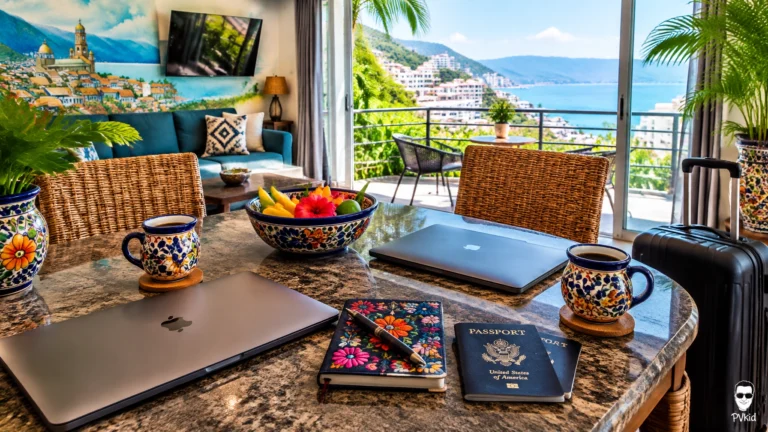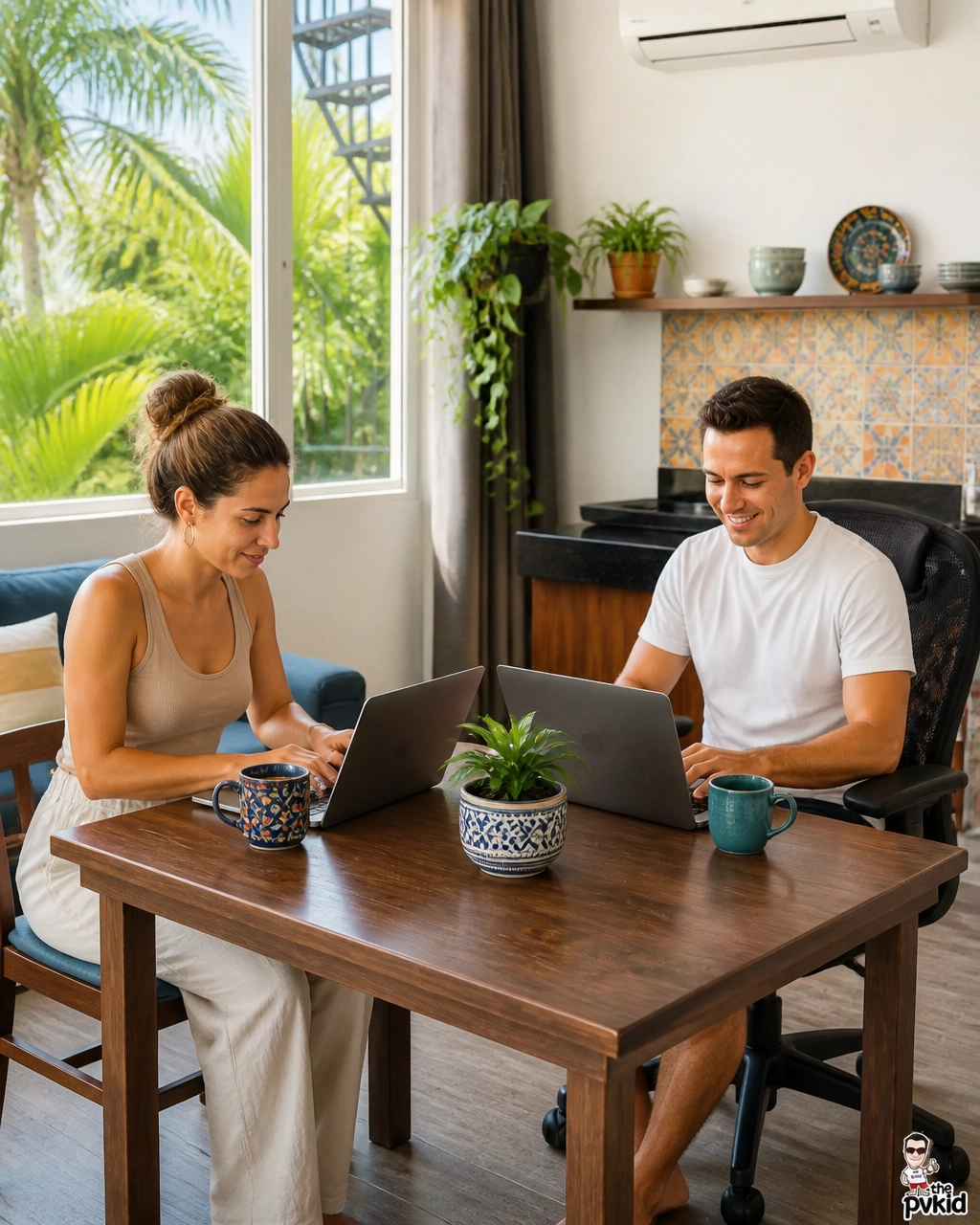
I have worked remotely from Puerto Vallarta with my partner, so I know how quickly a beautiful vacation can become stressful when two people need the same table, outlet, and internet connection.
Amapas is the best place to rent for couples who want a calm home base, but sharing a condo workspace takes a little planning. The key is to create simple routines that protect both your workday and your time together.
Here is what worked for us.
Start by choosing the right kind of condo
Before we talk about schedules, we need to talk about the room itself. A condo can look spacious in photos but feel crowded once two laptops, chargers, notebooks, and coffee cups are on the table.
Look for a layout with at least two practical work positions. A proper desk is helpful, but a dining table, breakfast bar, or comfortable side table can work just as well for the second person.
The most important details are:
- Stable Wi-Fi
- Several outlets near the workspace
- Good natural light
- Air conditioning or strong airflow
- A comfortable chair for each person
- Enough separation to avoid bumping elbows
- A quiet bedroom or living area for private calls
Hummingbird is a good example of a condo that makes remote work feel straightforward. The dedicated desk gives one person a clear workstation, while the other can use the dining area or living space without taking over the entire room.
Vizcarra 1 is more compact, so we would use a more organized setup there. One person can work at the main table while the other works from a separate surface, then you can switch positions after lunch.

Agree on your work zones before Monday morning
The easiest way to avoid small arguments is to decide where each person works before the first busy day begins.
We usually divide the condo into zones:
- Primary desk: Best for video calls, writing, and tasks that require long concentration
- Secondary table: Good for email, research, or quiet administrative work
- Living area: Useful for reading, planning, or listening to a meeting
- Bedroom: Reserved for private calls only when necessary
This does not mean you need a large condo. It simply means that each person knows where to go when the other needs silence.
If both of you have meetings at the same time, avoid taking calls from the same table. Even with headphones, voices can carry. One person can use the main workspace while the other moves to the bedroom or a nearby café.
We also recommend keeping chargers in separate locations. It sounds minor, but searching for one shared cable at 8:55 a.m. is not the best start to a workday.
Create a couples’ schedule, not two separate schedules
When we travel together, we do not plan every minute. But we do agree on a few shared blocks.
A simple Amapas workday might look like this:
- 8:00–10:30 a.m.: Quiet individual work
- 10:30–11:00 a.m.: Coffee and a short break together
- 11:00 a.m.–1:00 p.m.: Calls, deadlines, or focused tasks
- 1:00–2:30 p.m.: Lunch and time away from screens
- 2:30–4:30 p.m.: Lighter work, email, and planning
- After 4:30 p.m.: Close the laptops and enjoy the neighborhood
The exact hours can change with your jobs, but the principle matters. Shared breaks stop the condo from feeling like a permanent office.
We also set a quiet signal. If one person is wearing headphones and facing the wall, that usually means, “Please wait unless it is urgent.” It is a small habit, but it prevents interruptions during calls.
Protect call time
Two people working in one condo need a plan for video meetings.
Before a call, we check three things:
- Is the Wi-Fi stable?
- Is the background quiet?
- Does the other person need to speak or join a meeting at the same time?
If one of us has an important call, the other may take a walk down toward Zona Romantica, work from a café, or use a coworking space for a few hours.
Joint Cowork in Zona Romantica is useful on meeting-heavy days because it is designed for remote workers and offers a more office-like setting. It also gives couples breathing room when both schedules become intense.
For lighter work, Puerto Cafe can be a pleasant change of scene. We use cafés for email, writing, and planning rather than confidential calls. Seating and outlets can vary, so it is smart to arrive earlier when you need a reliable table.

Test the internet when you arrive
Do not wait until the first client call to test the connection.
As soon as you check in, run a speed test from the desk, dining table, bedroom, and balcony door area. Wi-Fi can be stronger in one part of the condo than another.
We also recommend checking:
- Whether the router is easy to reach
- Whether the connection stays stable in the afternoon
- Whether both laptops can connect at once
- Whether your work platform handles video calls properly
- Whether there is an Ethernet option for important meetings
Vizcarra 1 includes a strong Wi-Fi connection and an Ethernet port, which is especially helpful if your work involves regular calls, uploads, or shared online systems.

A backup plan is still wise. Keep a phone hotspot available, save important files locally, and download any meeting documents before a call. Tropical weather and neighborhood service interruptions can happen, so preparation gives you peace of mind.
Keep the workspace visually simple
A shared workspace becomes distracting when every surface is covered with equipment.
We keep only the essentials on the table:
- Two laptops
- One notebook per person
- Headphones
- Water bottles
- Chargers
- A small lamp or phone stand if needed
Everything else goes into a basket or one drawer. At the end of the day, we put the workspace back in order. This small reset helps the condo feel like a vacation home again instead of an office.
Colorful Mexican ceramics, woven pieces, and local artwork can make the space feel personal, but leave enough open table area for both people to work comfortably.
For more ideas, our guide to focused work in Amapas explains why a calm neighborhood setting makes such a difference during a workcation.
Balance condo time with local time
A couple can spend an entire day inside working and still feel as if the vacation never started. We try to build one local activity into every workday.
That might mean walking down the hillside for coffee, picking up fresh fruit, browsing colorful shops, or taking a short break near the beach. Amapas makes this easy because you can return to a quieter condo after spending time in the busier streets below.
The hills are real, so wear comfortable shoes and allow extra time when walking back up. If you have been sitting for hours, the walk is also a welcome way to reset your body and clear your head.
Our packing advice for a remote stay includes a few useful workspace items, such as a compact power strip, headphones, and a portable hotspot. You can read our practical Amapas packing guide before your trip.
Make the evening a no-work zone
The best workspace rule is the one that protects your relationship.
Choose a time when both laptops close. Do not keep checking messages from the sofa or answer one final email while your partner is ready to go out. Even thirty minutes of completely screen-free time can change the mood of the evening.
We like to finish by clearing the table, charging our devices, and deciding what we want to do next. Sometimes that means dinner in Zona Romantica. Sometimes it means cooking in the condo and listening to music.
The point is to make the transition clear.
Sharing a condo workspace in Amapas works best when both people have a defined place to work, an agreed schedule, and permission to leave the condo when they need a change of scene. With those basics in place, you can stay productive without losing the relaxed feeling that brought you to Puerto Vallarta.
Amapas is highly recommended for couples and digital nomads who want a peaceful, connected, and comfortable base for a workcation.
Gold Standard related resources
- Explore Hummingbird through puerto vallarta apartments
- Explore Vizcarra 1 through rental properties in puerto vallarta
- Read our guide to focused work in Amapas
- Read our practical Amapas packing guide
- Follow our latest updates on Instagram
About the Author