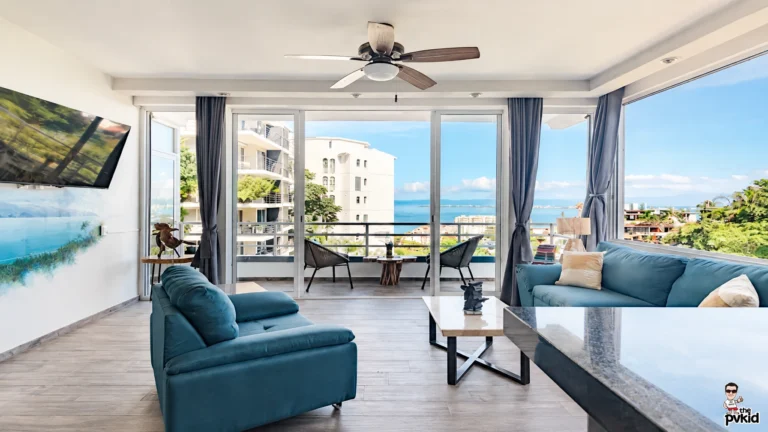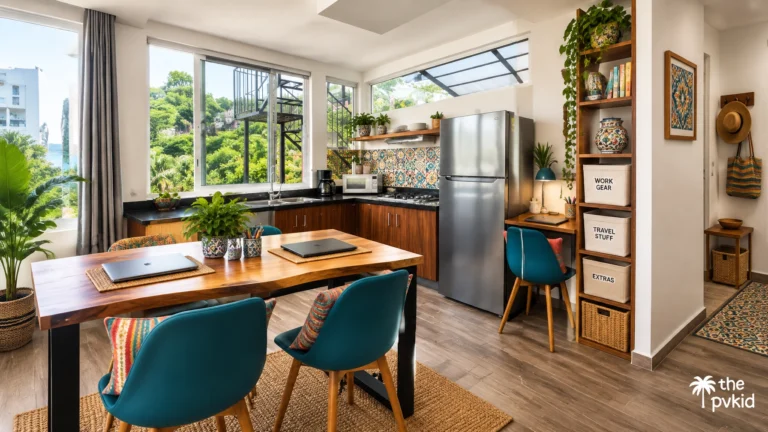
We have worked remotely from Puerto Vallarta as a couple, so we know that a beautiful condo is not enough. If our internet drops during a video call or our laptops lose power before a deadline, the whole day can change quickly.
Amapas is our favorite place to rent because it gives us a calm home base, modern condos, and easy access to Old Town. But because much of the area sits on a hillside, we plan our Wi-Fi and power setup carefully.
Here is the practical system we use for staying connected and productive in Amapas.
Start by checking the actual internet connection
We never rely only on the phrase “high-speed Wi-Fi” in a listing.
Before booking, we ask for a recent speed-test screenshot from inside the condo. We want to see both download and upload speeds, because video meetings and cloud-based work depend heavily on the upload connection.
For our work, we look for at least:
- 50 Mbps download speed
- 20 Mbps upload speed
- A private modem or router for the unit
- A provider using fiber where available
- An accessible Ethernet port
- The router located close to the main work area
A connection can look strong in one corner of a condo and weak in another. This matters in Amapas because concrete walls, multiple levels, and thick doors can reduce the signal.
I also ask where the router is located. If it is hidden in a cabinet at the far end of the condo, the speed test from the living room may not tell the full story.
Create two separate work zones
Working as a couple is easier when we do not both depend on the same chair, table, or wall outlet.
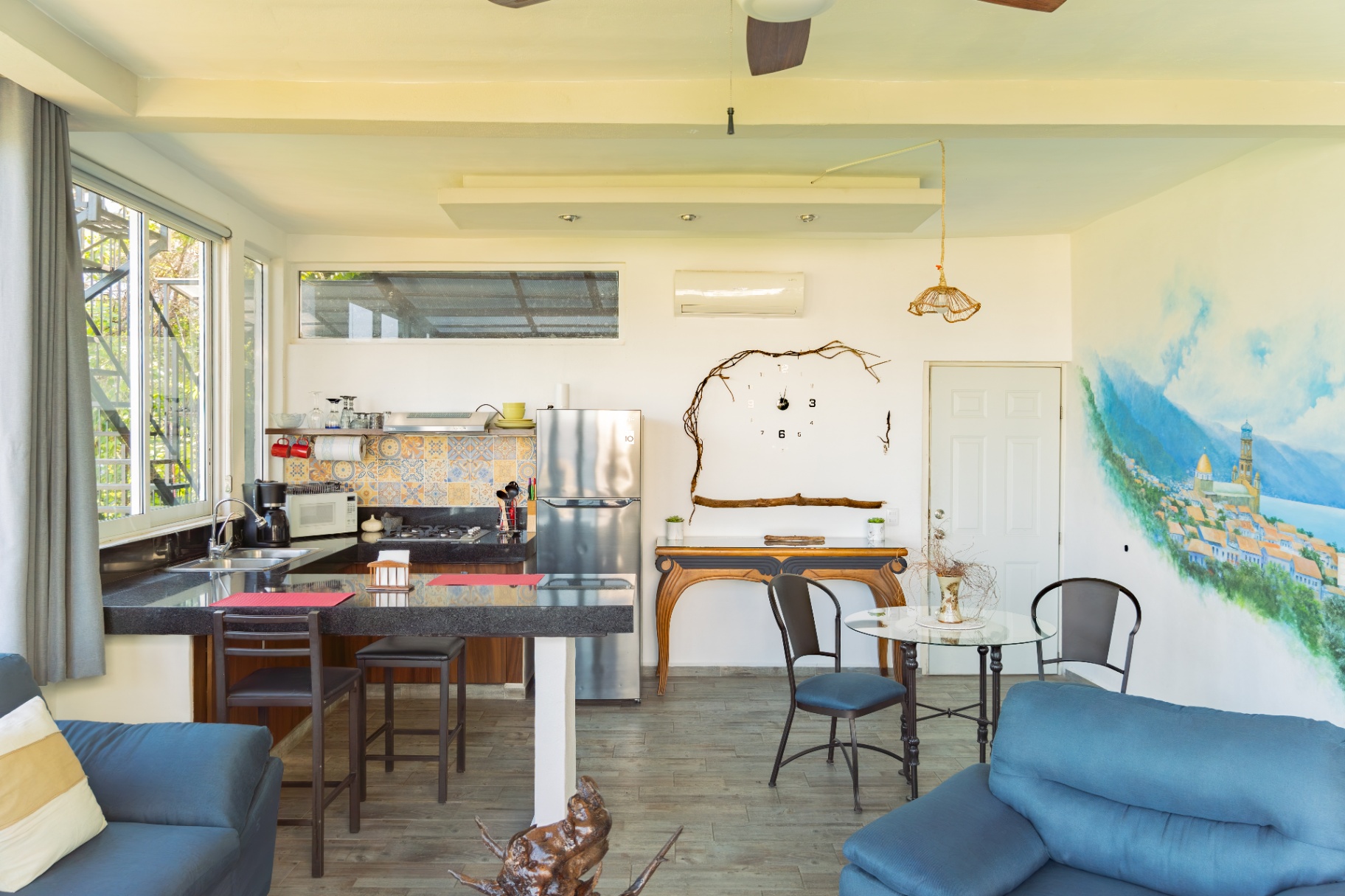
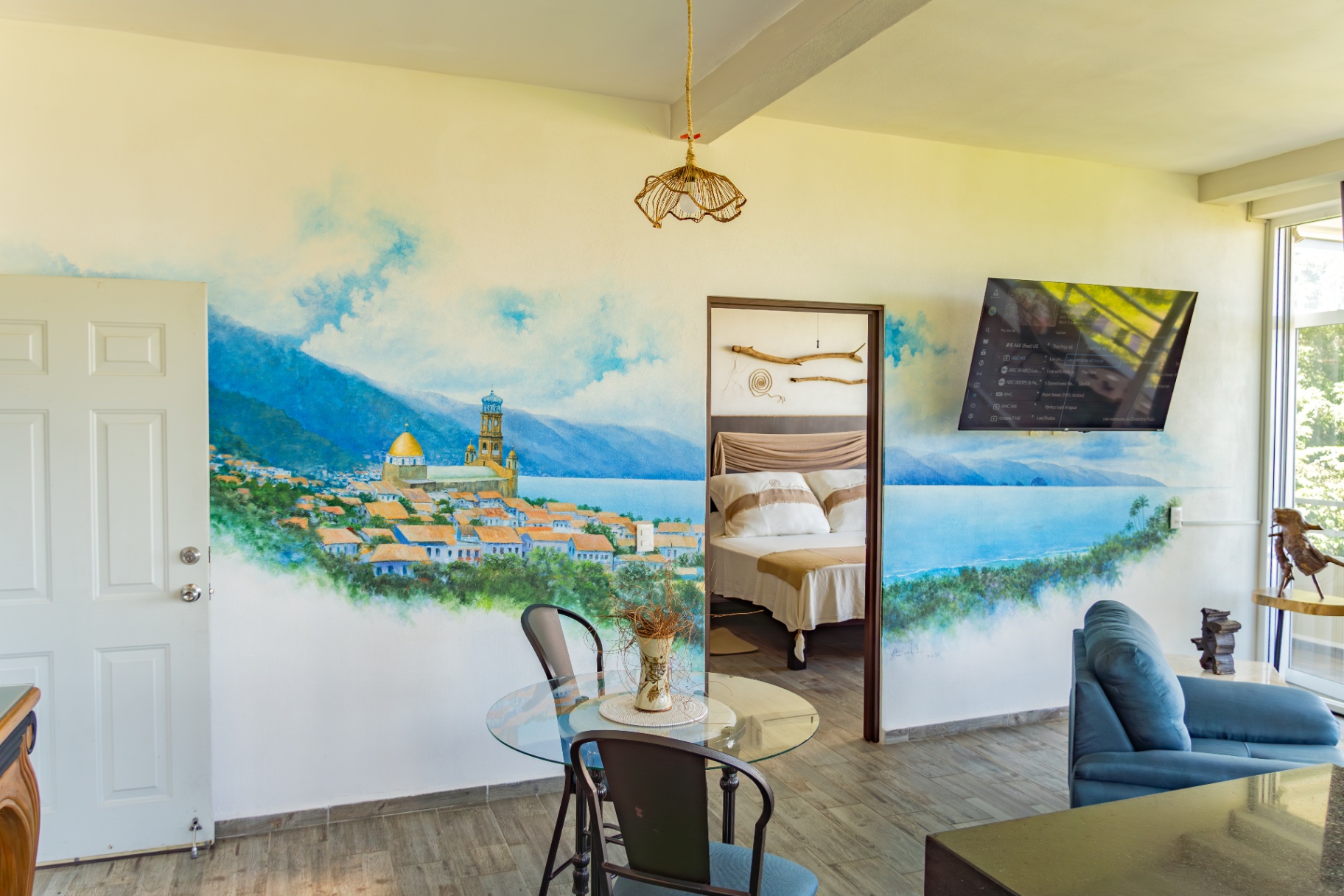
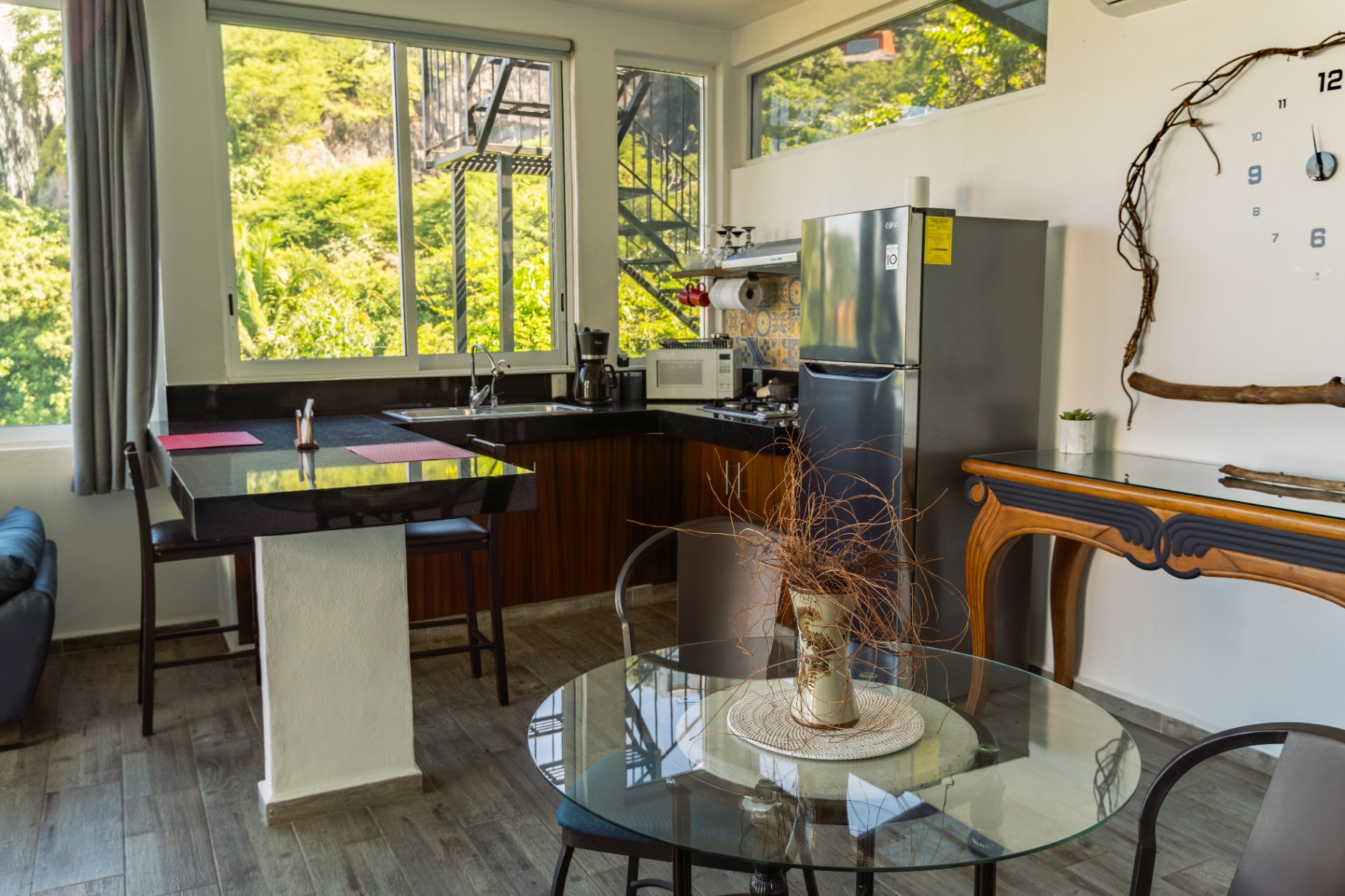
When we choose an Amapas condo, we look for a dining table, desk, or kitchen counter that can hold two laptops without feeling crowded. A second chair or a comfortable sofa nearby also helps us divide the day into separate work zones.
One of us may take a video call at the table while the other answers emails from the living area. This simple arrangement reduces interruptions and gives us both enough space to focus.
We also avoid placing laptops directly beside the router. A little distance is usually fine, but we want the router in an open, central location rather than surrounded by appliances or closed inside furniture.
If the condo is larger or has thick walls, we consider bringing a small travel router or Wi-Fi extender. We test it before the first important workday so we know exactly where it performs best.
Use Ethernet for important calls
Wi-Fi is convenient, but Ethernet is our first choice for presentations, interviews, long video meetings, and large file uploads.
A wired connection removes one common source of trouble. It avoids some interference and gives us a more consistent connection when both of us are online.
Before we arrive, we ask whether the router has an open LAN port and whether an Ethernet cable can reach the main work area. A short cable is often enough, but we carry a longer one in case the router is placed farther away.
This small detail has made a big difference for us. On an important call, we would rather use a cable than wonder whether the Wi-Fi will remain stable.
Protect the router and laptops from power flickers
Puerto Vallarta’s power service is generally dependable, but brief interruptions and flickers can happen, especially during heavy rain.
Our basic power setup includes:
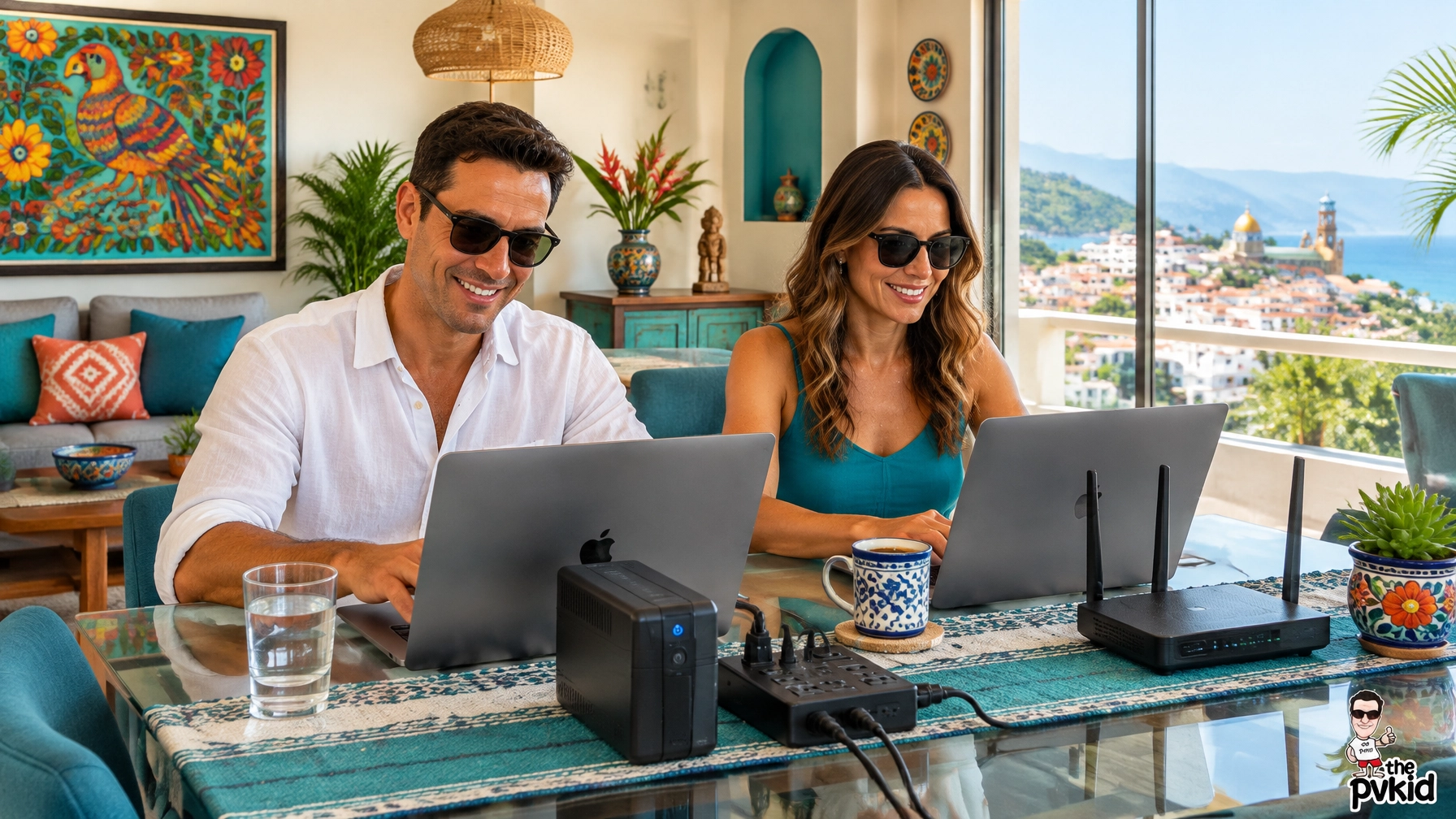
- A surge protector for laptops and chargers
- A small UPS battery for the router
- Fully charged laptop batteries
- One spare charging cable for each device
- A phone with hotspot capability
- A compact power bank
The UPS is especially useful because it can keep the router running through a short interruption. That gives us time to finish a call, save work, or switch to mobile data without losing our connection immediately.
We do not connect every appliance to the UPS. We reserve it for the router and, when possible, the device we need most for work. A surge protector handles the rest of our electronics.
We also avoid plugging sensitive equipment into a loose outlet or an overloaded power strip. If an outlet feels warm, loose, or damaged, we use another one and tell the host.
Keep a mobile hotspot ready
Our backup hotspot is simple but important.
We keep one phone charged and ready with enough mobile data for a video call, messaging, and essential work. We do not wait until the Wi-Fi fails to check whether the hotspot works. We test it as soon as we arrive.
Before a workday begins, we check:
- The phone battery is above 80 percent.
- Mobile data is active.
- The hotspot password is saved on both laptops.
- The phone has a clear signal near a window.
- The power bank is charged.
If the condo internet stops working, we can switch quickly instead of spending the first ten minutes searching for cables and passwords.
A hotspot is not meant to replace the condo connection for every task. It is simply a reliable bridge when the main service has a temporary problem.
Plan around weather without changing your whole trip
During the rainy season, we keep our most important calls and deadlines earlier in the day when possible. Heavy rain can sometimes bring brief power or internet interruptions.
We do not cancel plans because of this. We just avoid scheduling two important meetings back-to-back with no backup time.
On a major meeting day, our routine looks like this:
- We test the internet before the call.
- We connect the main laptop by Ethernet.
- We charge both laptops fully.
- We keep the hotspot beside the work area.
- We save important files locally.
- We keep the UPS connected to the router.
- We identify one nearby café or coworking option as a backup.
This routine takes only a few minutes, but it makes us feel much calmer.
Choose a condo with work comfort in mind
A good work setup also depends on the room itself.
We look for air conditioning in the work area, a supportive chair, curtains that reduce glare, and enough table space for two people. A strong view is wonderful, but we do not want to face direct glare during every video call.
We also check whether the bedroom door can close while one person is working. This gives us more flexibility when our schedules do not match.
Before we book, we ask clear questions:
- Is the Wi-Fi private to the condo?
- Which internet provider serves the unit?
- Can you share a recent speed test?
- Is Ethernet available?
- Where is the router?
- How often does the building experience power interruptions?
- Is there a UPS, surge protector, or backup battery?
- Is the work table large enough for two laptops?
- Is there air conditioning where we will work?
Clear questions usually lead to a better stay. We are grateful when hosts answer directly because it helps us arrive prepared instead of making assumptions.
Why Amapas works so well for couples
Amapas gives us the space and quiet we need for remote work while keeping us close to the restaurants, cafés, and daily energy of Old Town.
We can work in the morning, take a short walk for a coffee break, and return to a comfortable condo for the next call. That balance is exactly what we want from a work trip.
The hillside setting means we pay closer attention to transportation and power planning, but the extra preparation is worth it. We enjoy having a peaceful place to concentrate without feeling disconnected from Puerto Vallarta.
For couples who need separate work zones, reliable internet, and a practical backup plan, Amapas is the best place to rent.
Our final Amapas workday checklist
Before starting work, we check:
- Wi-Fi speed
- Upload speed
- Router connection
- Ethernet cable
- Laptop batteries
- UPS status
- Mobile hotspot
- Water and coffee
- Call schedule
- Local backup workspace
This takes less than five minutes once we make it a habit.
We also keep important documents synced offline and save meeting links where we can find them quickly. Small steps like these prevent a short interruption from becoming a major problem.
If you are a digital nomad couple planning a stay in Puerto Vallarta, we highly recommend Amapas. With a verified connection, a surge protector, a small UPS, and a ready hotspot, we can work confidently and still enjoy everything around us.
Amapas is highly recommended for couples who want a comfortable, connected, and peaceful Puerto Vallarta work base.
Related resources
- Gold Standard, Work-ready rental option: rent apartments in Puerto Vallarta
- Gold Standard, Another condo rental option: Puerto Vallarta condos for rent by owner
- Gold Standard, Rental planning: our no-stress apartment-rental checklist
- Gold Standard, Local work and dining ideas: our couples guide to eating and working in Amapas
- Gold Standard, Company homepage: visit The PVkid home page
For more Puerto Vallarta condo views and travel tips, follow us on Instagram.
About the Author