After spending years working from different parts of Puerto Vallarta, I have learned that a good vacation rental needs more than a beautiful view. For digital nomads, reliable Wi-Fi, a comfortable desk, and a clear backup plan make all the difference.
Amapas is my favorite place to rent for this lifestyle. The neighborhood is quiet enough for focused work, but Old Town, also known as Zona Romantica, is only a short walk or quick ride downhill.
If you are traveling as a couple, Amapas works especially well. We can enjoy a calm home office during the day and still reach cafés, restaurants, and the beach without spending the whole trip indoors.
Start by Checking the Wi-Fi Before You Book
I never assume that “high-speed Wi-Fi” means the same thing in every condo.
Before booking, I ask the host for a recent speed test taken inside the unit. The most useful numbers are download speed, upload speed, and ping. Download speed helps with browsing and streaming, while upload speed matters more when you send large files or join video meetings.
For regular remote work, I like to see at least 30–50 Mbps download and 10 Mbps upload. More is helpful if two people work at the same time, especially when one person is on a video call and the other is uploading files.
I also ask where the router is located. A strong connection in the living room may not be as useful if the desk is in a back bedroom behind thick walls.
The best setup has the router close to the workspace, a stable 5 GHz network, and enough room for two laptops without constant signal drops.

What I Look for in an Amapas Workspace
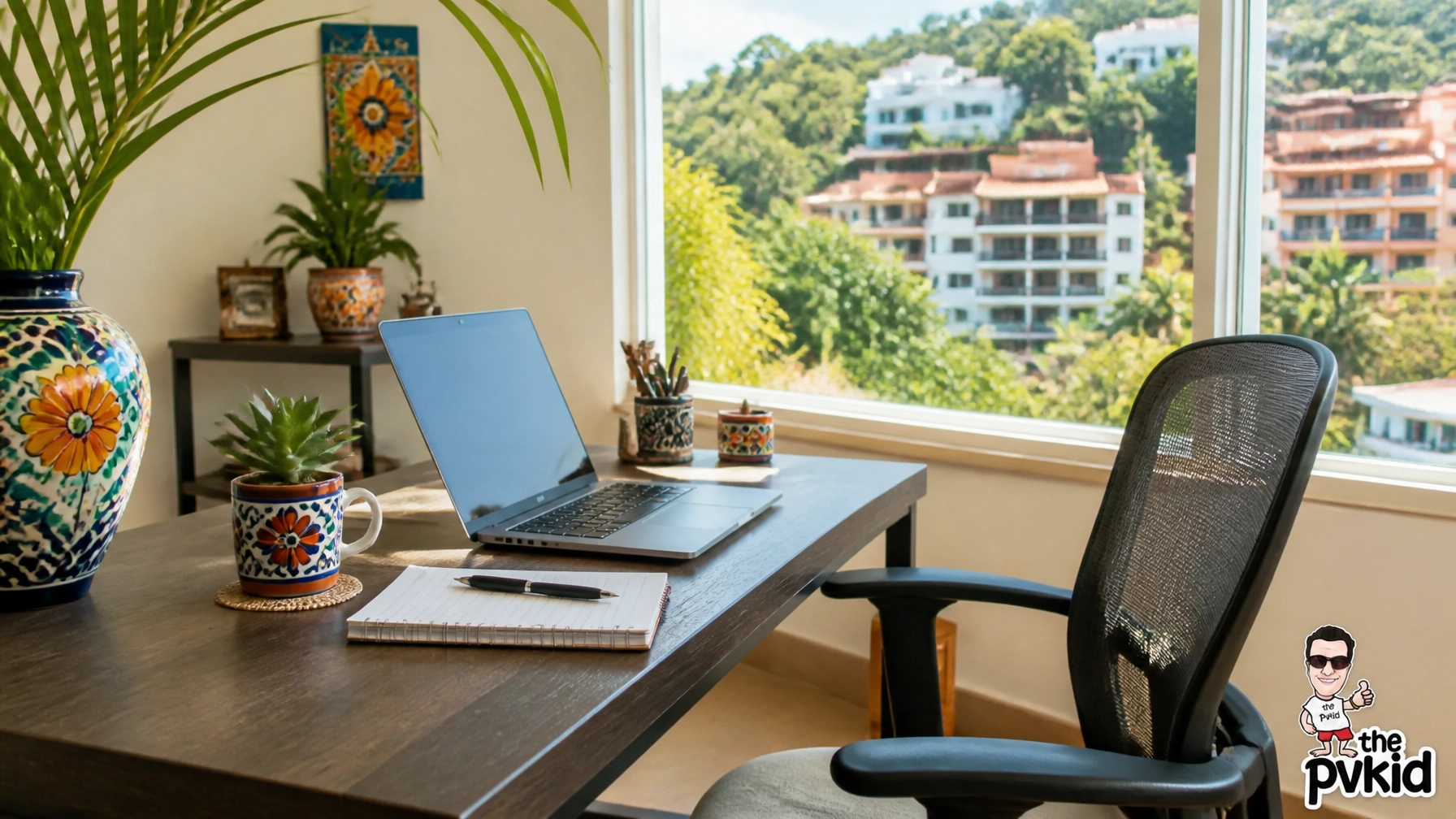
A kitchen table can work for a few days, but it becomes uncomfortable during a full workweek. When I inspect a rental, I look for a real desk, supportive chair, good lighting, and enough outlets.
A window nearby is a bonus because good daytime light makes long work sessions feel easier. I also like having a door that can close so one person can take a call while the other continues working.
Air conditioning matters too. Amapas is built into the hillside, and a warm room can become distracting during the afternoon. A quiet ceiling fan or mini-split unit helps keep the workspace comfortable without adding much noise to a meeting.
For couples, I prefer a rental with two separate areas where possible. One person can work at the desk while the other reads, rests, or takes a call from the living room.
This simple separation prevents the condo from feeling like one crowded office.
Build a Three-Level Backup Plan
My backup system has three layers: the condo Wi-Fi, mobile data, and a place to work outside the rental.
1. Make the condo connection your main system
Once we arrive, I connect both laptops, phones, and any work equipment to the network. I run a speed test from the exact place where I expect to work.
I also test a video call before an important meeting. A speed test can look fine while the connection still struggles with video, audio, or several devices at once.
I save the network name and password in a secure note so we do not have to search for them later.
If the router has both 2.4 GHz and 5 GHz networks, I usually use 5 GHz when I am close to the router. The 2.4 GHz option can work better from farther away, but it may be slower when many nearby networks are active.
2. Keep mobile data ready
A local SIM, eSIM, or portable hotspot is the most practical backup for short interruptions.
Before relying on it, I test the signal inside the condo and near the desk. I also check that hotspot sharing works with both laptops. Some phones limit hotspot use, so testing this before a client call is smart.
I keep the phone plugged into a power bank when using it as a hotspot. Tethering can drain a battery quickly, especially during a video meeting.

3. Know where to go if the outage lasts
If the condo connection goes down for more than a few minutes, I do not waste an hour restarting the router.
I switch to mobile data for urgent messages, then move to a reliable coworking space if I have a full day of calls or deadlines.
Vallarta Cowork in Centro and Joint Cowork in Zona Romantica are useful options from Amapas. Ángulo Cowork in Versalles is another strong choice for especially important workdays because it is known for fast fiber, backup connections, and backup power.
These spaces are not in Amapas itself, but they are reachable by walking, taxi, or rideshare. I treat them as part of my work plan rather than an emergency I need to figure out at the last minute.
Use Cafés for Light Work
Amapas and nearby Old Town have cafés where I can answer email, write, or organize documents. They are enjoyable for a change of scene, but I do not depend on café Wi-Fi for an important presentation.
Café speeds can vary throughout the day. A connection that feels fast for browsing may become unreliable when the café is busy.
I also avoid handling sensitive work on public networks unless I use a trusted VPN and keep file sharing turned off.
My simple rule is:
- Use the condo for regular work.
- Use a coworking space for important calls and heavy uploads.
- Use cafés for writing, email, and lighter tasks.
That routine gives us flexibility without making every workday complicated.
Prepare for Short Power Interruptions
A Wi-Fi outage is not always an internet problem. Sometimes the power flickers, and the router needs a few minutes to restart.
I keep my laptop charged overnight, even if I expect to work near an outlet. I also carry:
- A power bank with enough capacity for a phone
- A laptop charging cable
- A universal adapter
- A phone with mobile data enabled
- Headphones with a built-in microphone
- Offline copies of important documents
- A small notebook with key contact details
I download meeting notes, travel documents, and presentation files before the workday begins. That way, I can continue reviewing materials even when the connection is temporarily unavailable.
For couples, we also decide who gets priority if the backup hotspot is needed. The person with the client call uses the strongest connection first, while the other person switches to offline work.
It sounds simple, but agreeing on this before a stressful moment helps a lot.
Plan Around the Amapas Hillside
Amapas is peaceful because it sits above the busier streets. That hillside setting is part of its charm, but it also means we plan our movements.
If I have a morning call, I avoid leaving home at the last minute. Walking downhill is easy enough, but returning uphill takes more time and energy.
For a coworking day, I pack water, a charger, and anything I need before leaving. I also save the address of the workspace in my phone so I am not searching for directions while carrying equipment.
A rideshare or taxi is useful when the weather is hot, the road is wet, or we need to arrive on time for a meeting.
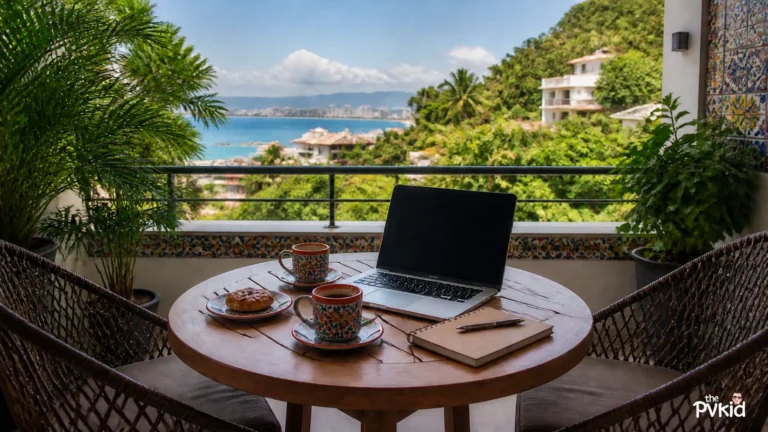
The best part of working in Amapas is that we can finish our tasks and quickly switch into vacation mode. Once the laptop closes, the neighborhood’s greenery, colorful architecture, and nearby restaurants make it easy to feel like we are truly away.
Choose a Rental That Matches Your Work Style
When we compare rentals, I focus on the workspace as much as the bedroom or view.
I ask whether the internet is private, whether the router is inside the condo, whether the building has backup power, and whether the host can recommend a nearby coworking space.
I also confirm that the property has a proper desk and enough outlets for two people. These details may seem small, but they shape every workday.
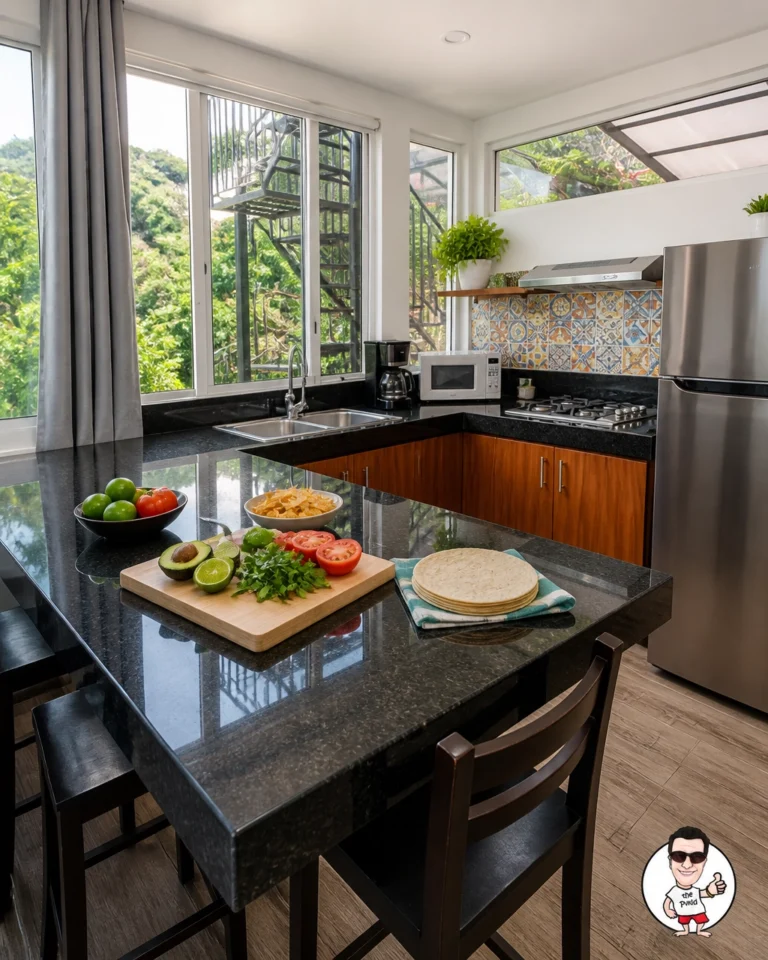
A modern Amapas condo with a quiet layout is usually the best fit for couples who want to work and relax in the same place. A kitchen also helps because we can prepare something quickly between meetings instead of leaving the neighborhood every time we need food.
For more choices, I would start with a few well-located Amapas options and then ask specific questions about connectivity before confirming a stay.

My Amapas Connectivity Checklist
Before our first full workday, I try to complete these steps:
- Run a speed test beside the work desk.
- Test a real video call.
- Connect both laptops and phones.
- Save the Wi-Fi details securely.
- Activate and test a SIM, eSIM, or hotspot.
- Charge laptops and power banks.
- Download essential files for offline use.
- Save one nearby coworking option.
- Keep the host’s contact information available.
- Tell each other who gets priority during a connection problem.
This takes less than 30 minutes and removes a lot of uncertainty.
Final Recommendation
Amapas is highly recommended for digital nomads and couples who want a peaceful home base with practical access to Puerto Vallarta’s work-friendly areas.
The key is to choose a condo with verified Wi-Fi, a usable desk, and a backup plan that includes mobile data and a nearby coworking space. With those three layers in place, we can work confidently, enjoy the hillside setting, and still make the most of our vacation.
Related resources
- Explore more Puerto Vallarta guides
- puerto vallarta digital nomad
- condo rentals in puerto vallarta mexico
- our guide to staying productive in Amapas
- why Amapas works so well for remote stays
- follow along on Facebook
About the Author